Microsoft SideWinder Force Feedback 2 support for modern flight sims.
FFB-Bridge is built around the USB Microsoft SideWinder Force Feedback 2 joystick. It restores force feedback in Microsoft Flight Simulator 2024 and X-Plane 11/12 on Windows 11 and Linux, plus X-Plane on macOS for Apple Silicon.
- Name
- Microsoft SideWinder Force Feedback 2
- Common searches
- SideWinder FFB2, MSFFB2, SideWinder FFB II, FFBv2 joystick
- USB VID/PID
045E/001B- Other sticks
- Supported hardware includes MOZA AB6, AB9, AY90 and AY210; Microsoft SideWinder Force Feedback 2; Logitech G940, Force 3D Pro and WingMan Force 3D; supported Brunner DirectX devices; and selected SideWinder Force Feedback Pro adapters. Capability and physical test evidence vary by exact model and platform. See the hardware guide before assuming a particular feature is qualified. Eligible unlisted joysticks require an experimental opt-in. See the current hardware evidence and platform notes.
MSFS 2024 and X-Plane 11/12
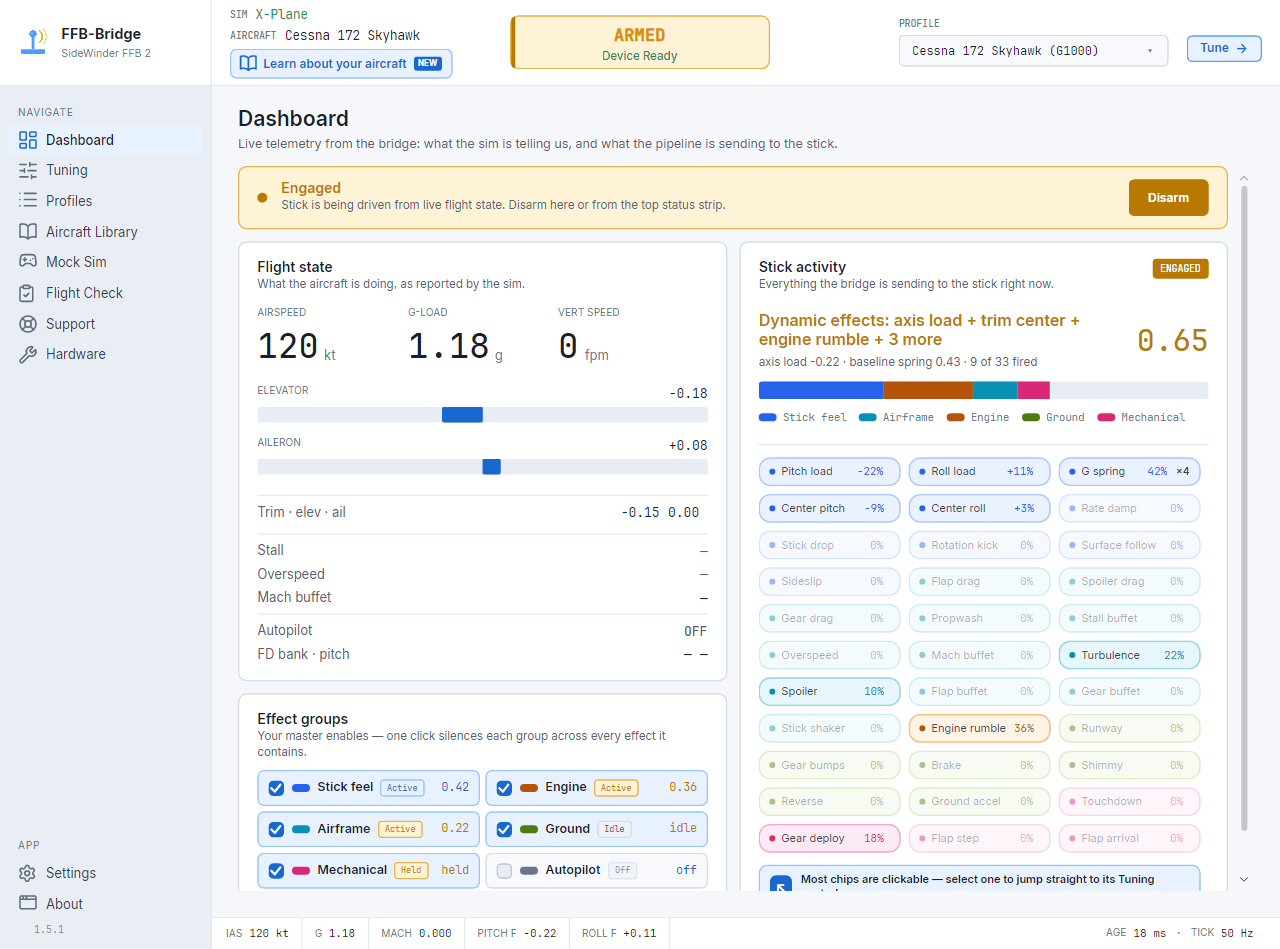
The bridge reads telemetry from MSFS through SimConnect TCP and from X-Plane through UDP RREF datarefs, then converts that data into force commands for the FFB2.
MSFS 2024 setupWindows 11, Linux, and macOS on Apple Silicon
Windows uses raw HID/PID by default, with a DirectInput fallback where needed. Linux uses evdev force feedback with the udev-rule helper on Support → Health. macOS on Apple Silicon uses raw IOHID/PID.
Linux notesPer-aircraft force model and effect controls
Spring, aerodynamic loading, runway rumble, brake shudder, buffets, engine rumble, gear and flap one-shots all tune live per aircraft profile.
Force effects reference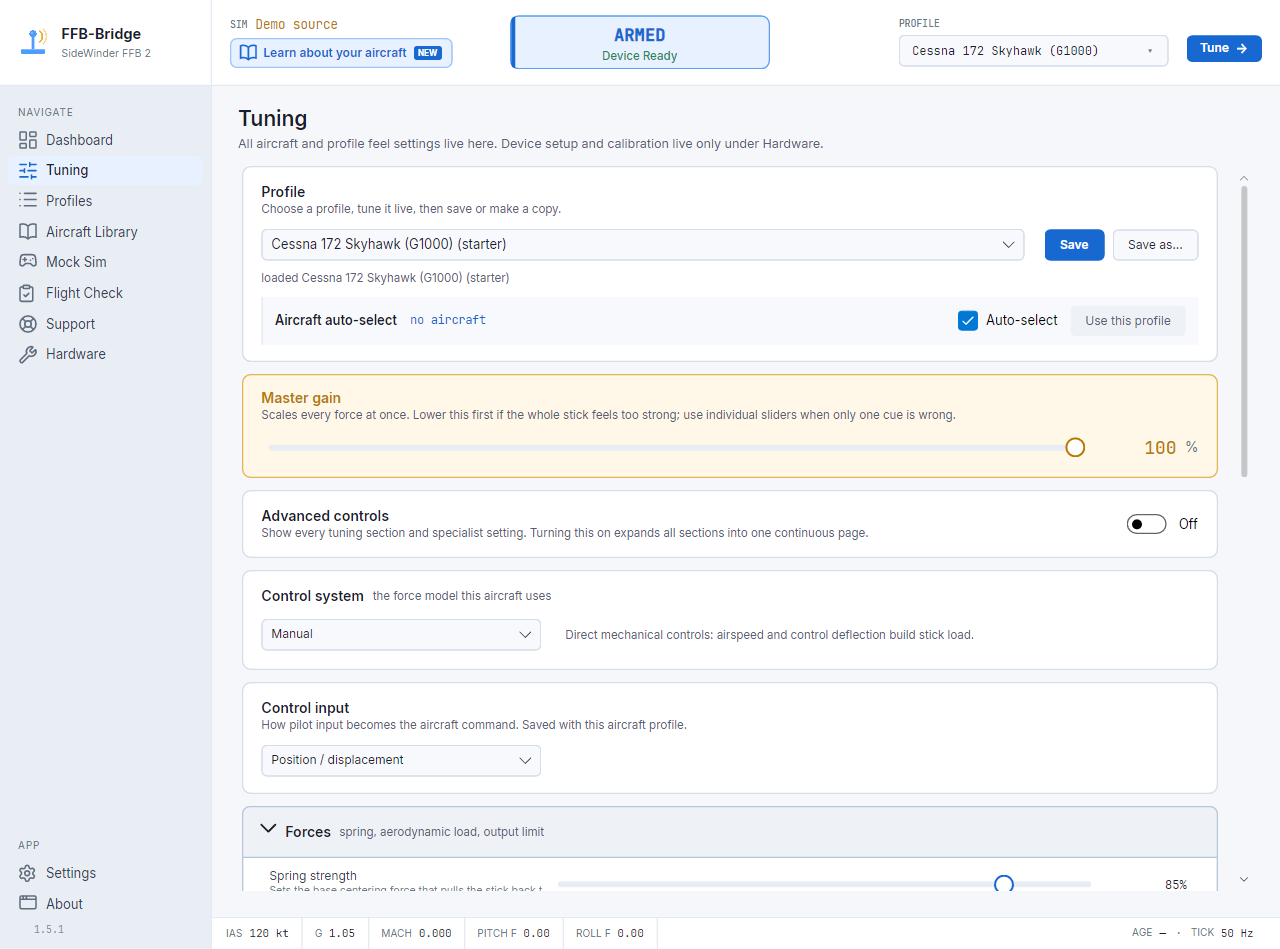
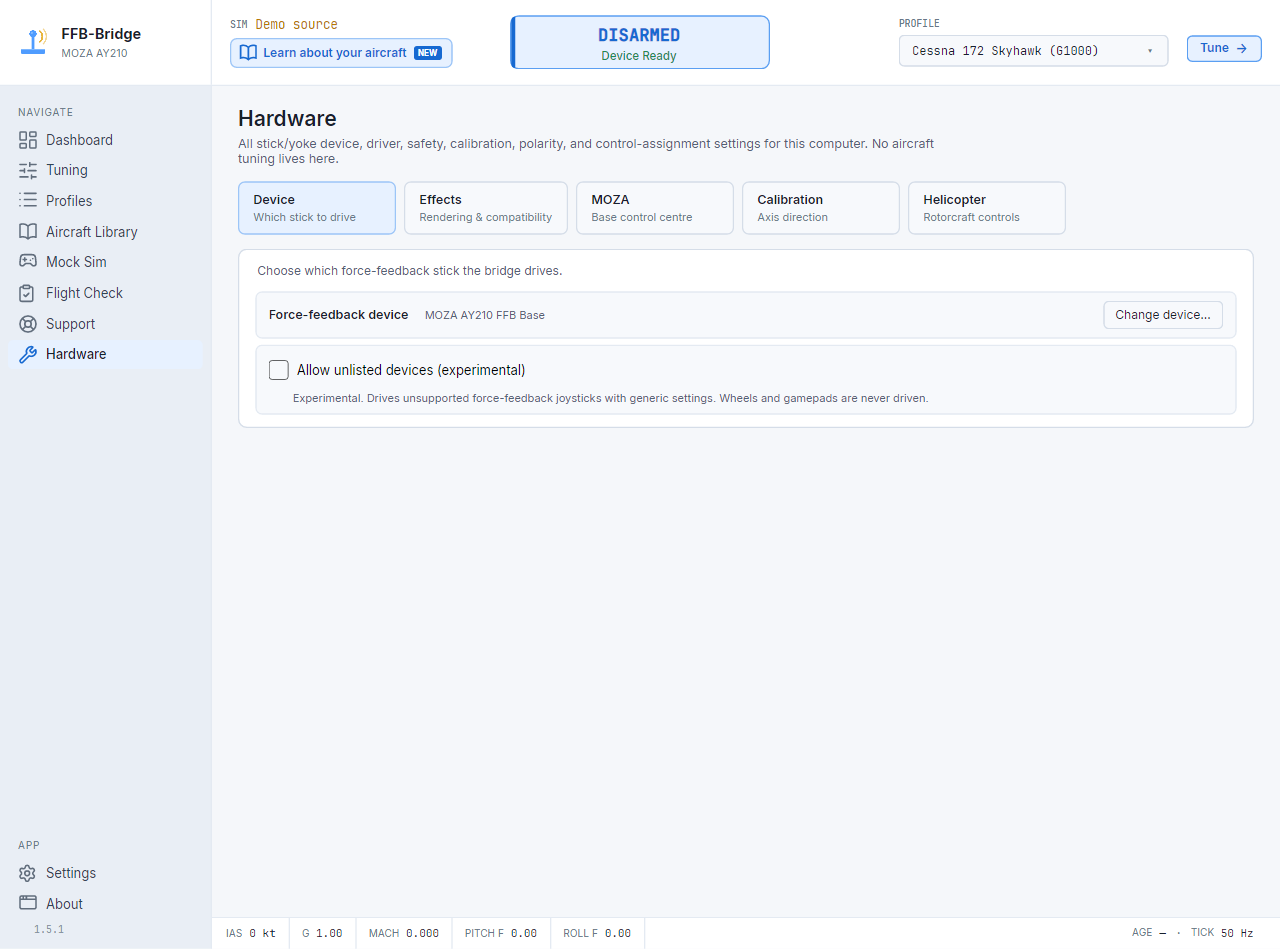
What works today.
Hardware support is intentionally narrow. That focus keeps the force model honest for the hardware most sim pilots are trying to revive.
Ready to fly the SideWinder FFB2 again?
Start with the download page, then follow the simulator guide for the sim you actually fly.