SideWinder FFB2 force feedback on Windows 11.
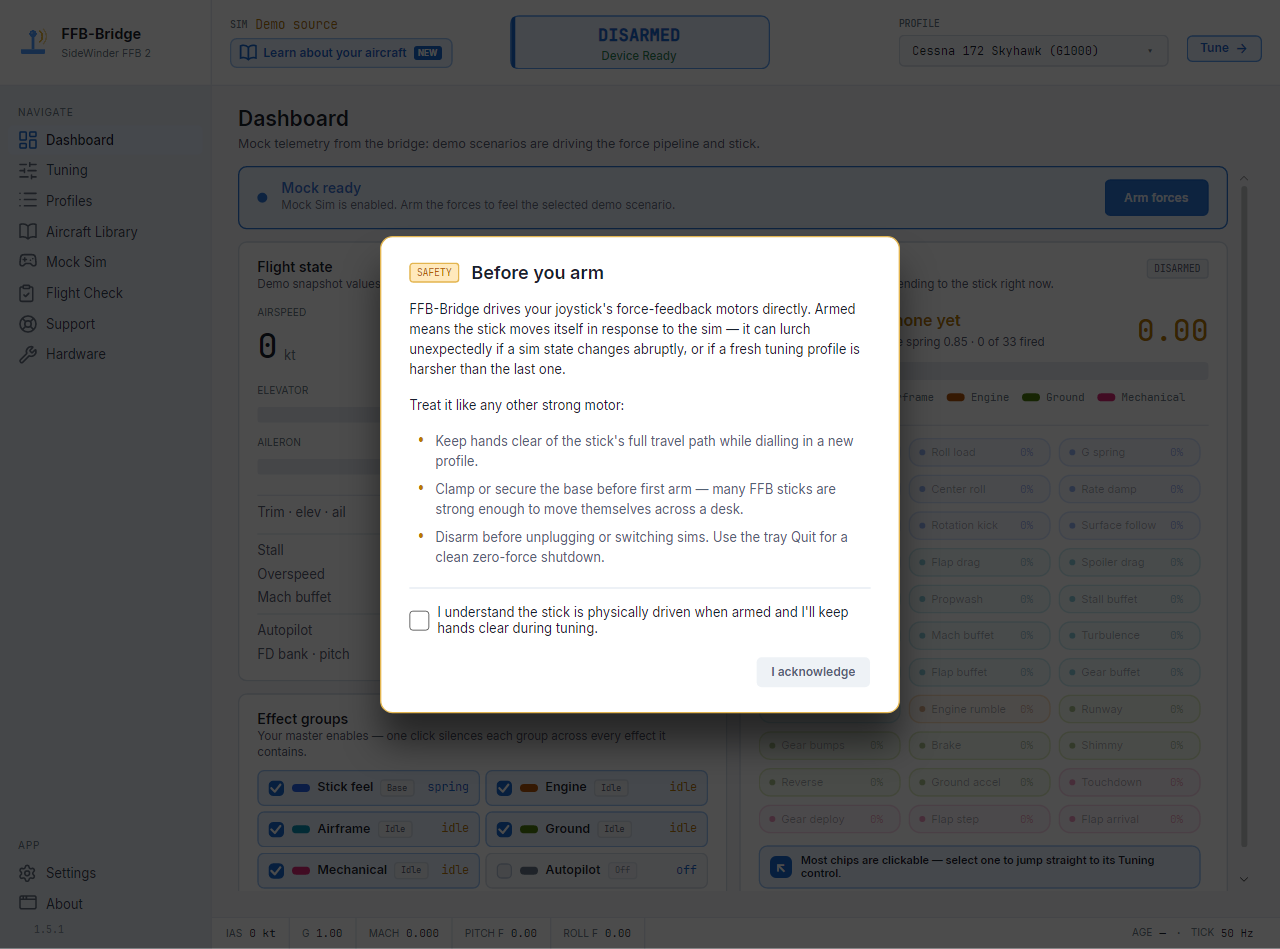
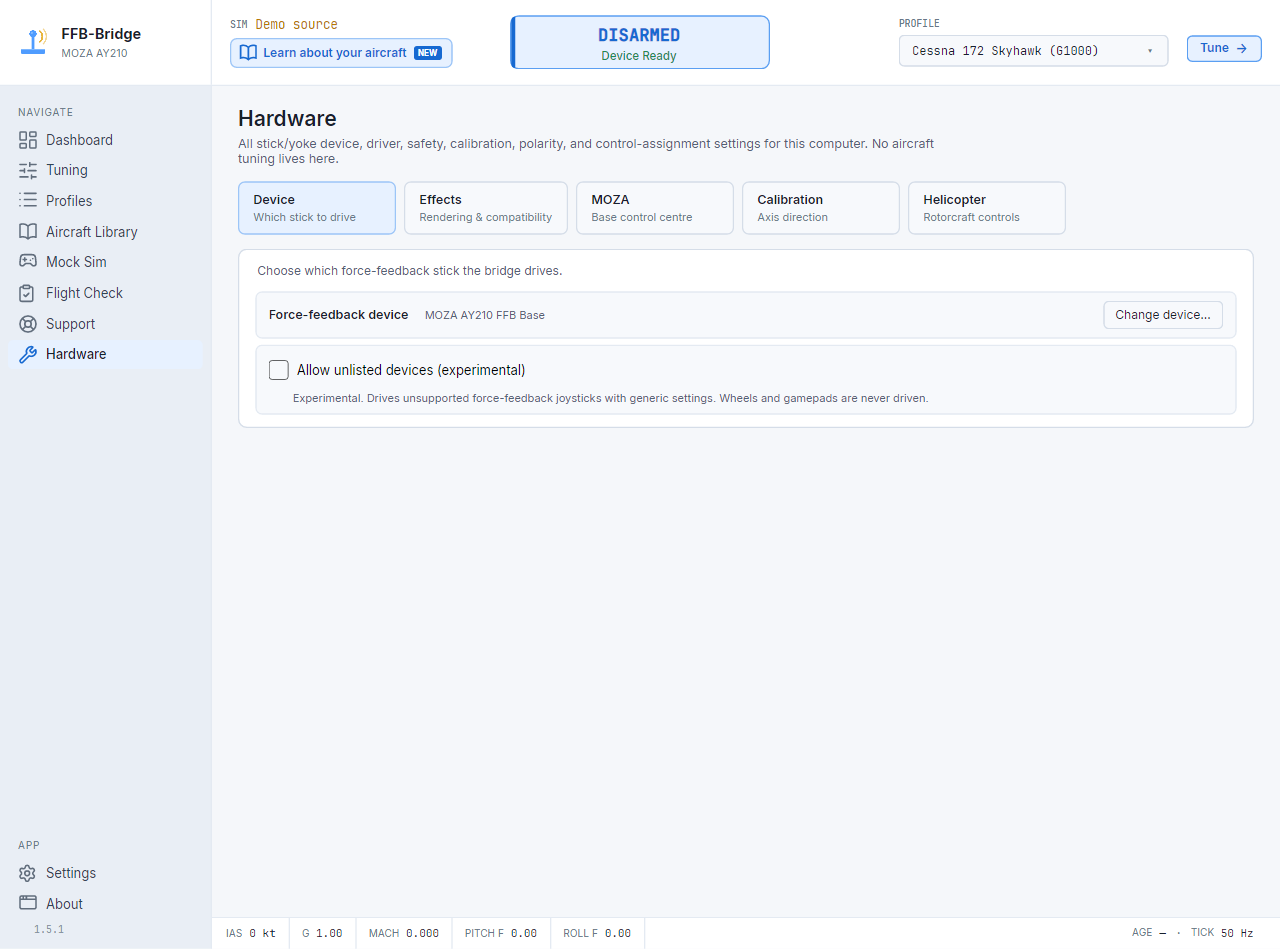
Windows 11 can still see the Microsoft SideWinder Force Feedback 2 through the built-in HID-PID class driver. FFB-Bridge uses raw HID/PID force output by default, with a DirectInput fallback for compatibility, to drive forces from MSFS 2024 and X-Plane telemetry.
- OS
- Windows 11
- Driver
- Built-in HID-PID; raw HID/PID output by default
- Installer
- Per-user, no admin required
- Warning
- Brand-new signed builds may still trigger reputation prompts
The stick is class-driver hardware.
You do not need an old Microsoft SideWinder driver package. Plug in the USB FFB2 and confirm it appears as VID 045E PID 001B.
Install guideSmartScreen and Smart App Control
The installer is code-signed by Rohsam. SmartScreen or Smart App Control can still warn on brand-new builds until that file gains reputation, so verify the publisher before continuing.
Download and trust notesSafer HID/PID output
FFB-Bridge 1.0 uses raw HID/PID as the default SideWinder FFB2 path, keeps DirectInput as a compatibility fallback, preserves a neutral spring while paused, and resets stale HID/PID state before rearming.
1.0 changelogWhat to check before flying.
Windows support is mostly straightforward once the signed-installer trust prompts are understood.
Common Windows questions.
Do I need old Microsoft SideWinder drivers?
No. The USB SideWinder Force Feedback 2 uses the built-in Windows HID-PID class driver.
Why does SmartScreen warn on first launch?
The installer is code-signed by the Rohsam publisher identity. SmartScreen may still show an unrecognized-app warning for a new file until that build gains reputation. Verify the publisher is Rohsam Inc. or RohsamInc before continuing.
What should I do if another tool has the stick open?
Close other joystick or force-feedback utilities before arming FFB-Bridge. They can hold exclusive access to the same joystick device.
What changed in recent Windows builds?
FFB-Bridge 1.0 makes raw HID/PID the default force-output path for the SideWinder FFB2, keeps DirectInput as a fallback, applies Master gain to all output including the spring, recovers cleanly after MSFS quits, and uses the signed Rohsam installer with normal native window controls.
Windows 11 is supported, with signed-installer trust caveats.
Read the download page before first launch if SmartScreen or Smart App Control is new to you.