A force feedback joystick app for the Microsoft SideWinder FFB2
Use the Microsoft SideWinder Force Feedback 2 with modern flight simulators. FFB-Bridge supports the USB SideWinder FFB2 on Windows 11, Linux, and macOS on Apple Silicon.
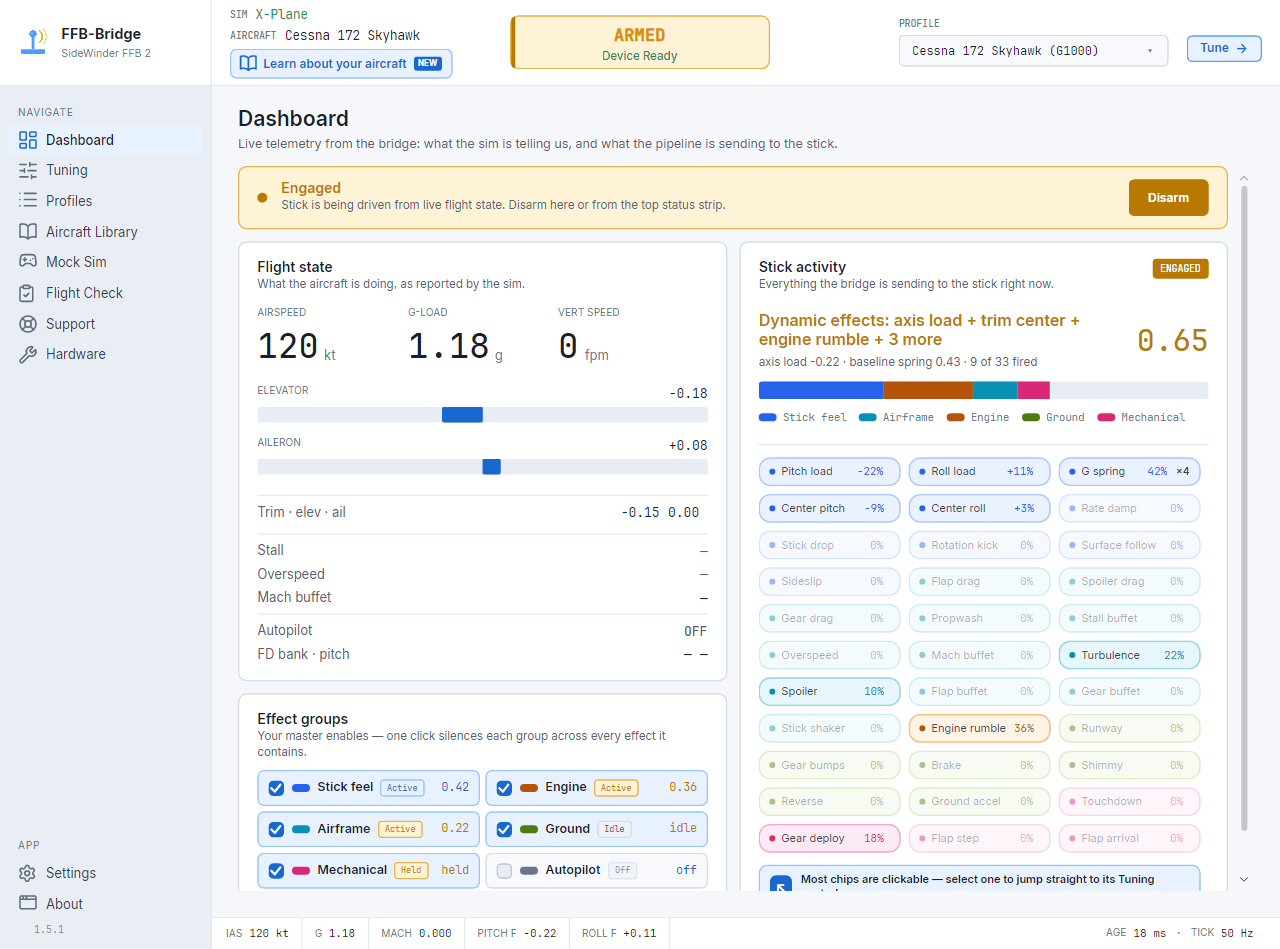
- Joystick
- USB Microsoft SideWinder Force Feedback 2
- Simulators
- MSFS 2024, X-Plane 11, and X-Plane 12
- Platforms
- Windows 11, Linux, and macOS on Apple Silicon
- Output
- Real force feedback over raw HID/PID, DirectInput fallback, or evdev
Pick the guide that matches your search.
This page is the short hub for people looking for a Microsoft SideWinder FFB2 joystick app. The deeper pages cover the exact simulator, operating system, and hardware questions.
SideWinder FFB2 compatibility
Confirm the supported USB joystick, VID/PID, naming variants, and current limits for other force feedback sticks.
Open hardware pageForce feedback for MSFS
Use SimConnect telemetry from Microsoft Flight Simulator 2024 to drive airspeed, G-load, runway, and buffet forces.
Open MSFS 2024 guideForce feedback for X-Plane
Connect through UDP RREF datarefs without installing an X-Plane plugin, on Windows or native Linux.
Open X-Plane guideWindows 11 app notes
Understand the HID/PID path, signed installer, SmartScreen reputation prompts, and first-launch safety flow.
Open Windows guideLinux AppImage notes
Use evdev force feedback, install the udev permission rule, and connect X-Plane or MSFS under Proton.
Open Linux guideGet the current release
Request private download links, check SHA-256 hashes, and read the trust notes for Windows and Linux builds.
Open download page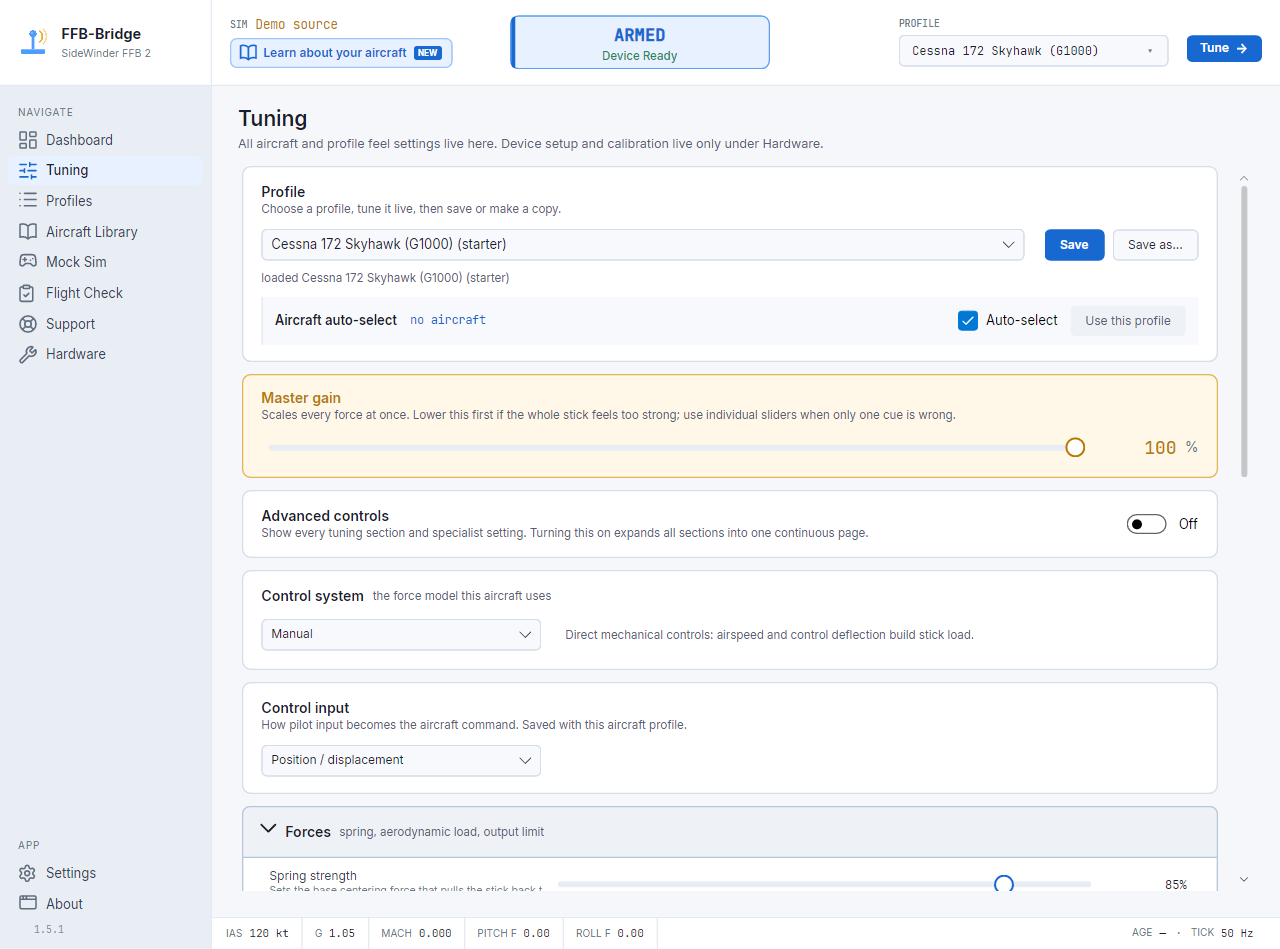
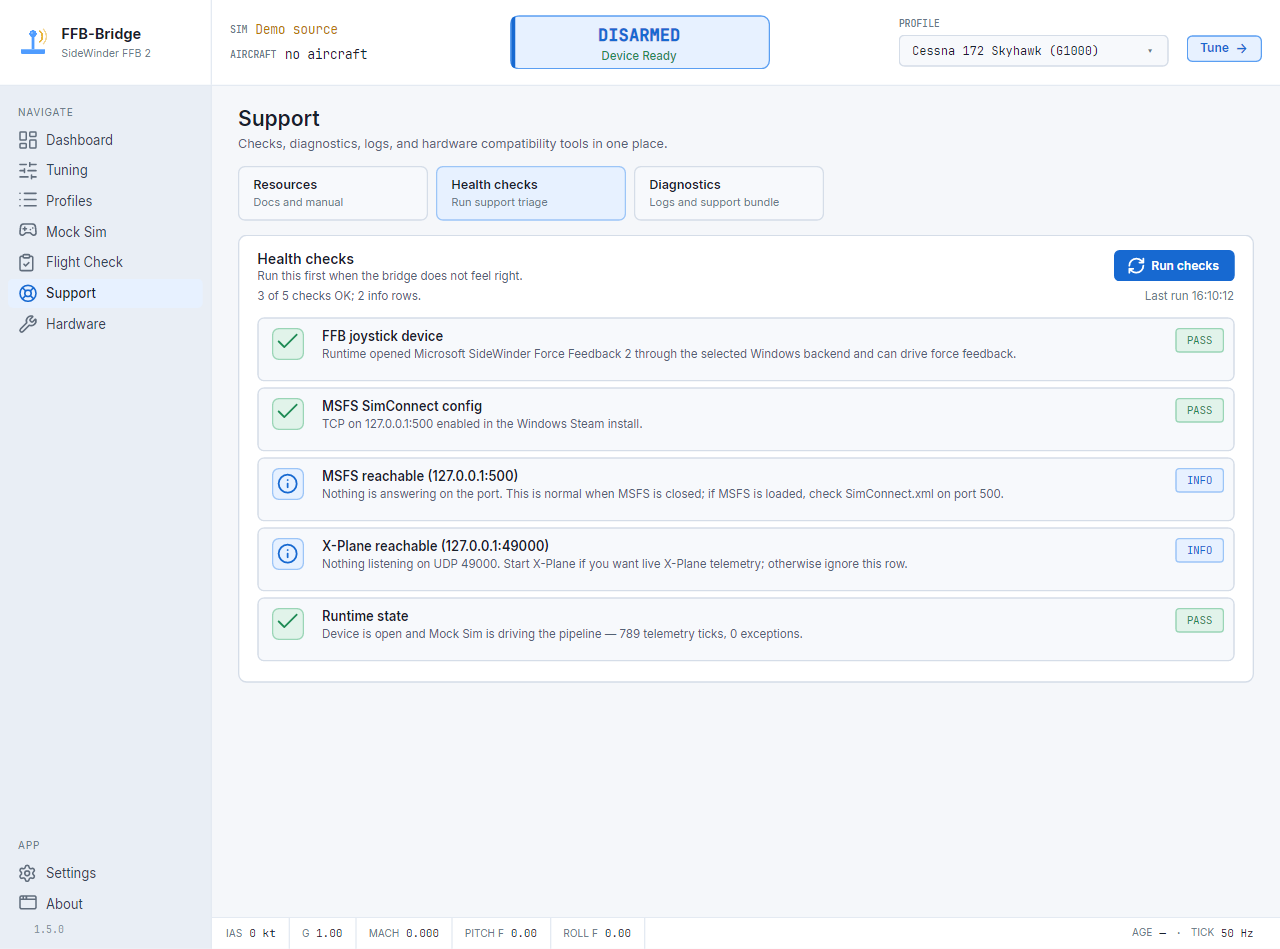
Start with the app, then tune for the sim you fly.
FFB-Bridge keeps the old SideWinder FFB2 useful without modifying MSFS or X-Plane. Install the app, connect the simulator, choose a profile, then arm force output from the cockpit gauge.