Run SideWinder FFB2 force feedback on Linux.
FFB-Bridge ships a Linux AppImage and drives the Microsoft SideWinder Force Feedback 2 through evdev force feedback. It is a practical path for X-Plane 11/12 on Linux and for MSFS 2024 setups running through Proton.
- Package
- Self-contained AppImage
- Joystick API
- evdev force feedback
- Permissions
- udev rule helper on the Support page
- Tested distros
- CachyOS, Ubuntu, Fedora, NixOS
evdev access must be allowed.
If the DEVICE lamp is red on Linux, Support checks verify whether your user can open the FFB2 event node and can install the udev rule with a polkit prompt.
Support page guideClean native Linux path
X-Plane 11/12 on Linux pairs well with FFB-Bridge because UDP telemetry, evdev output, and the bridge all run natively.
X-Plane pageProton needs matching loopback config
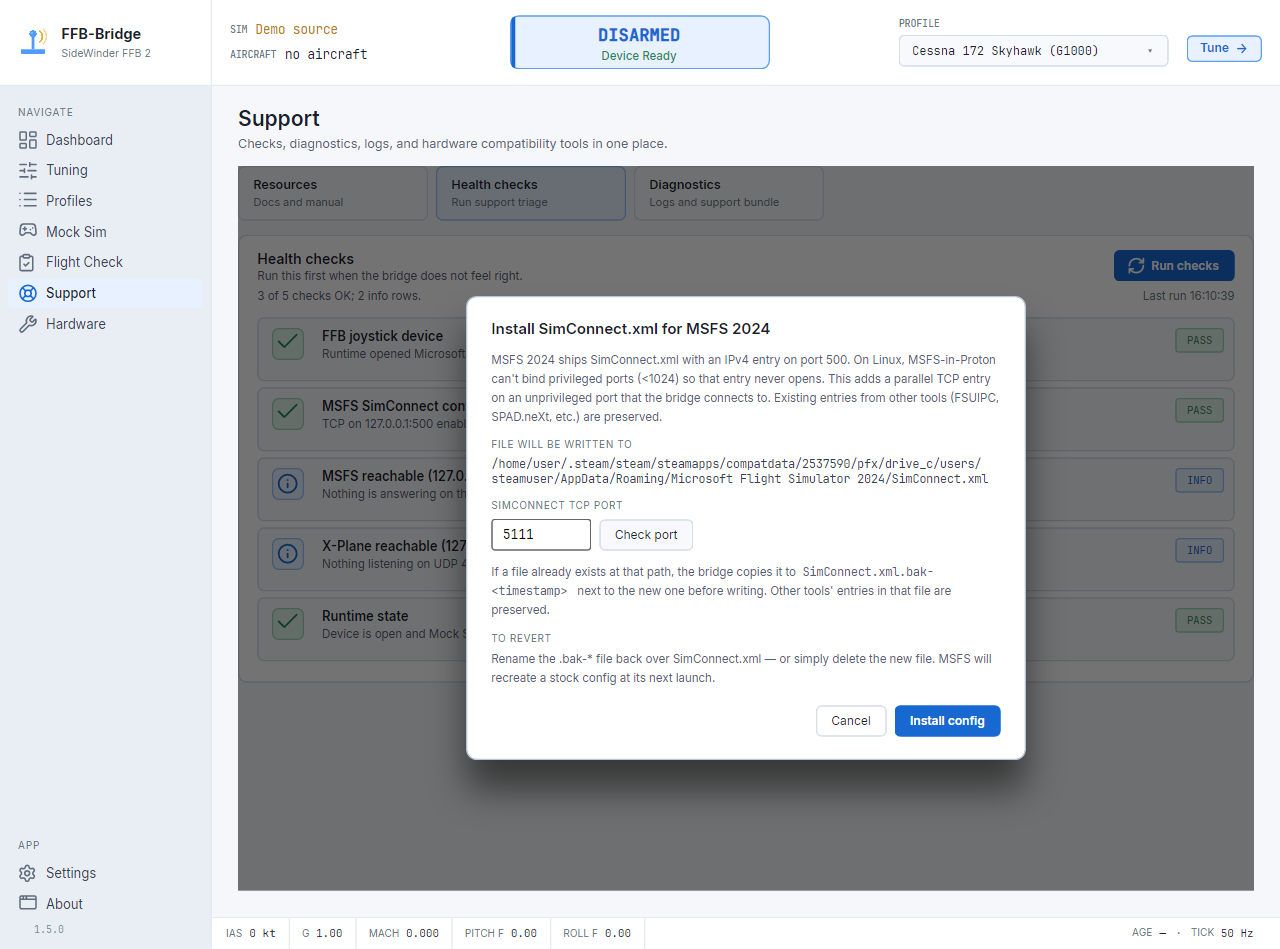
MSFS 2024 under Proton can work, but SimConnect must bind to an address the Linux bridge can reach.
MSFS Proton notesThe Linux checklist.
- Download the Linux AppImage from the emailed download link.
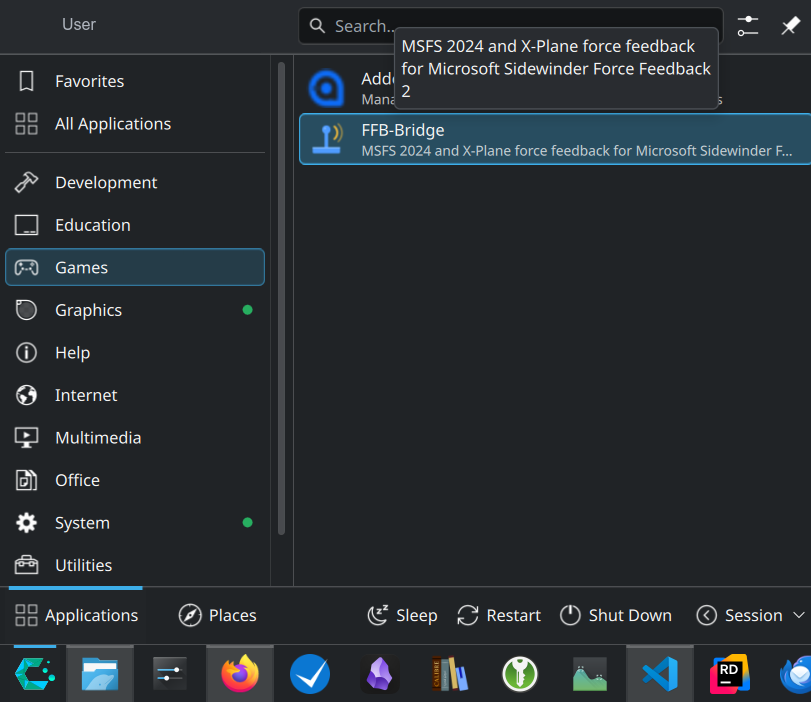
- Make it executable, run
--install, then launch it from the menu or terminal. - Run Support checks if the FFB2 is detected but not accessible.
- Connect X-Plane or MSFS, pick a profile, then arm from the cockpit ARM gauge.
Common Linux questions.
What Linux package do I download?
Use the self-contained AppImage from the download email. Make it executable, run it with --install, then launch it from your application menu or terminal.
Why is the device detected but not accessible?
Your user may not have permission to open the FFB2 evdev event node. Run Support checks; they can identify the permissions issue and guide the udev-rule fix.
Is X-Plane on Linux supported natively?
Yes. X-Plane, UDP telemetry, FFB-Bridge, and evdev force output can all run natively on the same Linux host.
Can MSFS 2024 under Proton work?
It can, but SimConnect must bind to an address and port the Linux bridge can reach from outside the Proton prefix.
Linux force feedback is a first-class path.
Hardware support is focused, but Linux is not an afterthought.