РешеноFeature requests

Profile import/conversion from Moza cockpit

Ответов: 14 Просмотров: 6352 создана июн. 30

В этой теме есть принятое решение. Перейти к решению.

#1

I'm new to FFB-Bridge and have only just started to test it out today. One feature that I would absolutely love to see would be the ability to import and/or convert .profile files that were exported from Moza Cockpit into FFB-Bridge.

I understand that this might not be feasible given the dramatic difference between the Moza .preset file and the FFB-Bridge .json file but figured I'd post the suggestion.
Пожаловаться
#2

Hey,

Yeah, not possible. It's entirely different systems, no way to translate between the two. Thanks for the idea though, I did look into it.

Пожаловаться
#5Принятое решение

Here you go!

A Moza Preset -> FFB-Bridge converter.

https://ffb-bridge.com/profiles/convert/moza

Just upload your existing Moza preset, and you should get a profile that works in FFB-Bridge.

I'd be interested in any feedback, how well it works, is it easy to understand how to use, and so forth.

Полезно 1Пожаловаться
#6

Very interesting. I shall give it a whirl tonight after work. Thanks very much for making this!

Полезно 1Пожаловаться
#7

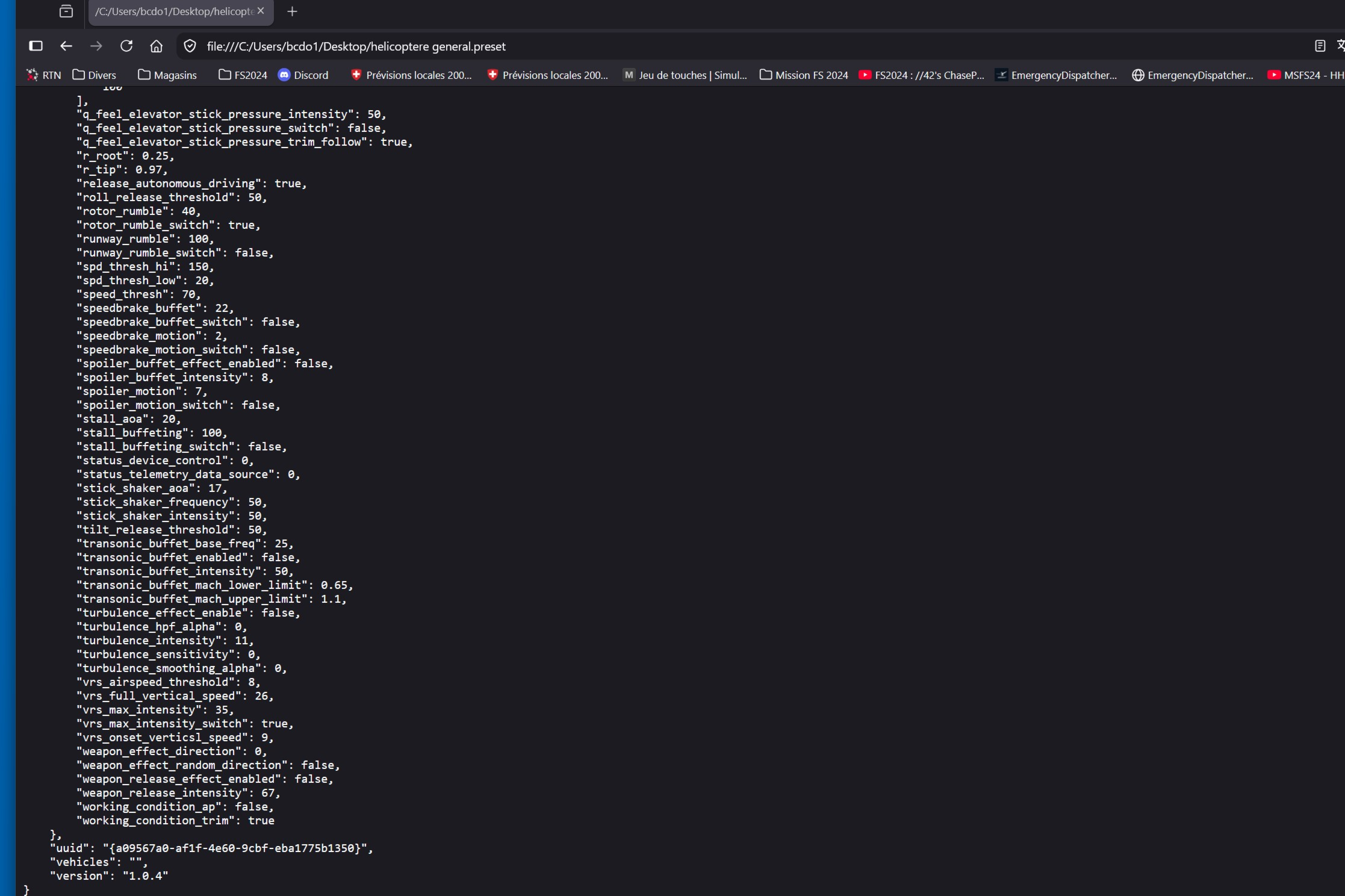
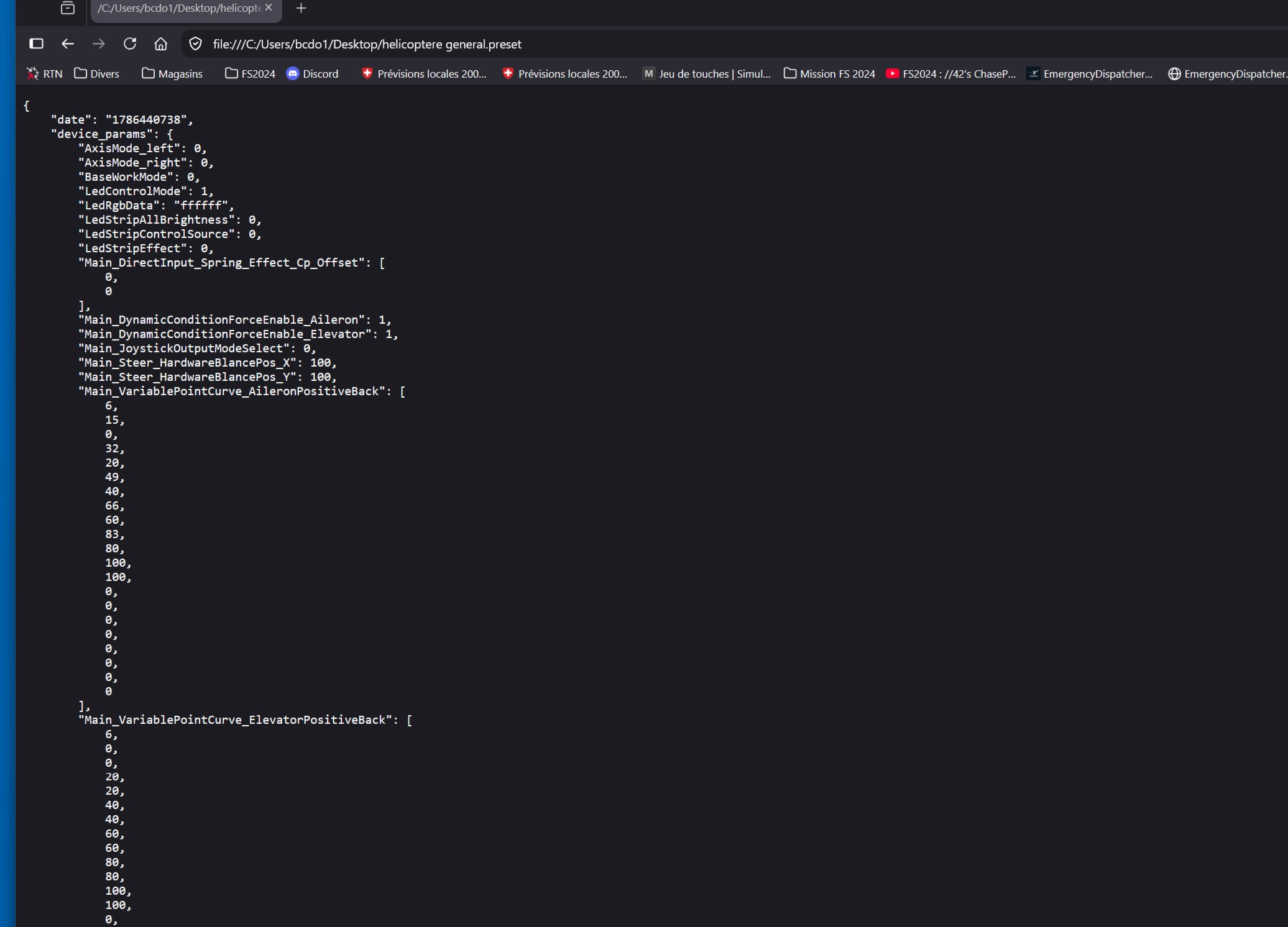
I get a long page of code, but I can’t find how to save it

Пожаловаться
#8
В ответ на сообщение Ben79:

I have been working on the web infra today (moving it between multiple sites, failover etc), and it's possible you caught it in the middle somewhere. Try again after an hour or so, and if it still doesn't work, paste a screenshot of what you see?

Пожаловаться
#9

I was able to convert a generic .preset file for the AY210 for GA aircraft for MSFS. However, when I attempted to convert a DA50RG profile that I have created for X-Plane I got the notice that the preset converter currently only works for MSFS 2020 and 2024.

Since most of my flying (and thus profiles) are for X-Plane, I'll wait for the next evolution of the utility before conducting more tests.

Пожаловаться
#12
В ответ на сообщение Ben79:

Hey, not sure what that screenshot is - it seems to be a local Moza preset that you opened in your browser?

Here's a video on how to use the Moza Preset Converter

Видео YouTube

Это превью загружается с сервера FFB-Bridge. При загрузке проигрывателя ваш браузер подключится к YouTube/Google.

Открыть на YouTube

Let me know if you still have trouble

Пожаловаться
#13

Thank you. I understood my mistake, I placed the Moza profile in the window instead of clicking in the window and selecting the profile.

Полезно 1Пожаловаться
#15
В ответ на сообщение Ben79:

Also, this wasn't really your "mistake". The site implicitly seems to suggest you can drag a file into it, but then it doesn't work the way you expect. It only worked if you drag it exactly on the box..

This is bad UX, not a user's fault, and so I've just fixed it. Now if you drag a file anywhere into the browser window, it should work as you expect - it will recognize the file, ingest it and so forth. Try it out and see?

Thanks for pointing this out.

Полезно 1Пожаловаться