सुलझ गयाFeature requests

Profile import/conversion from Moza cockpit

14 उत्तर देता है 4702 विचार शुरू कर दिया जून 30

इस विषय का एक स्वीकृत समाधान है. समाधान पर जाएं.

#1

I'm new to FFB-Bridge and have only just started to test it out today. One feature that I would absolutely love to see would be the ability to import and/or convert .profile files that were exported from Moza Cockpit into FFB-Bridge.

I understand that this might not be feasible given the dramatic difference between the Moza .preset file and the FFB-Bridge .json file but figured I'd post the suggestion.
प्रतिवेदन
#2

Hey,

Yeah, not possible. It's entirely different systems, no way to translate between the two. Thanks for the idea though, I did look into it.

प्रतिवेदन
#5स्वीकृत समाधान

Here you go!

A Moza Preset -> FFB-Bridge converter.

https://ffb-bridge.com/profiles/convert/moza

Just upload your existing Moza preset, and you should get a profile that works in FFB-Bridge.

I'd be interested in any feedback, how well it works, is it easy to understand how to use, and so forth.

मददगार 1प्रतिवेदन
#6

Very interesting. I shall give it a whirl tonight after work. Thanks very much for making this!

मददगार 1प्रतिवेदन
#7

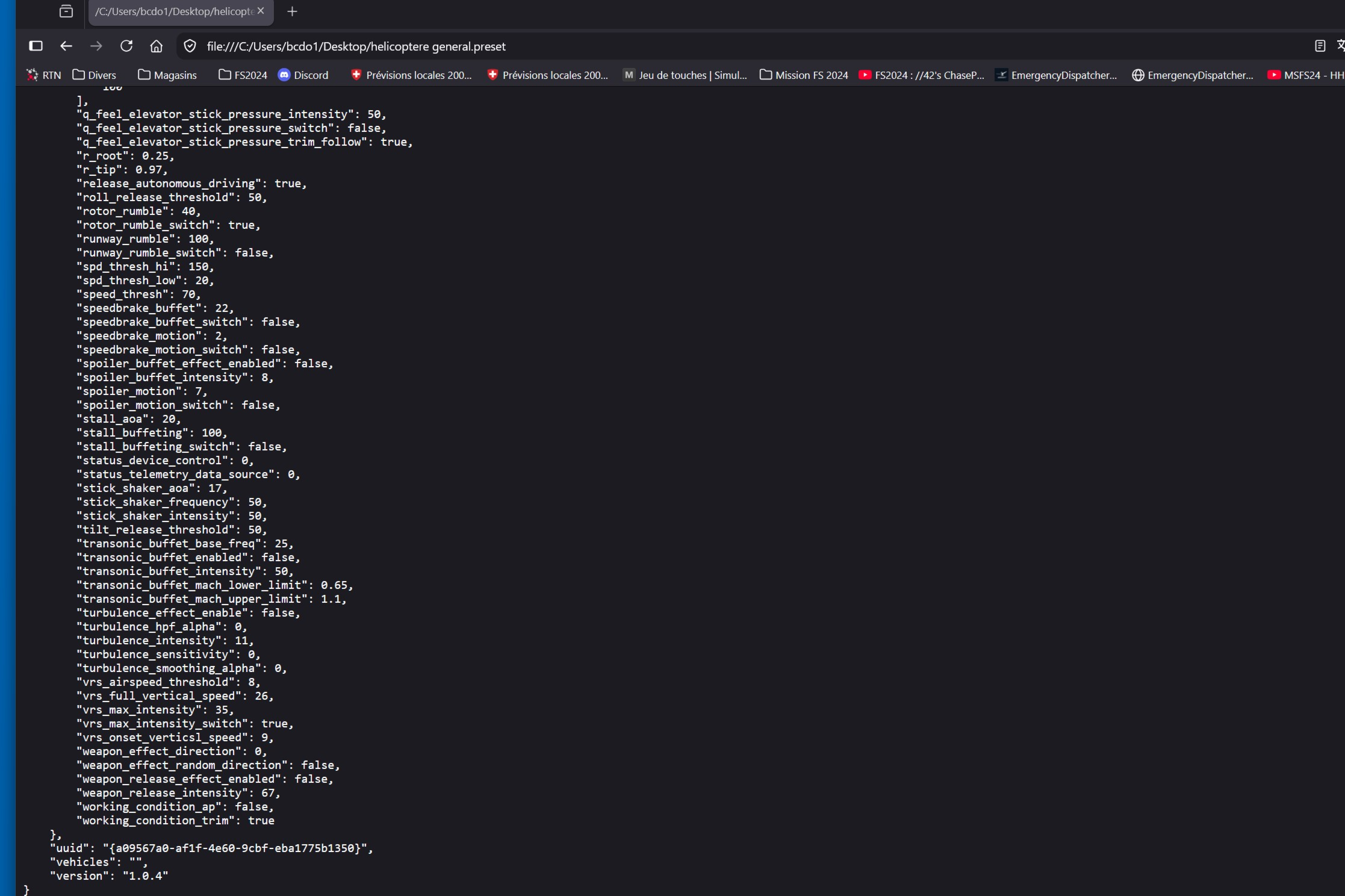
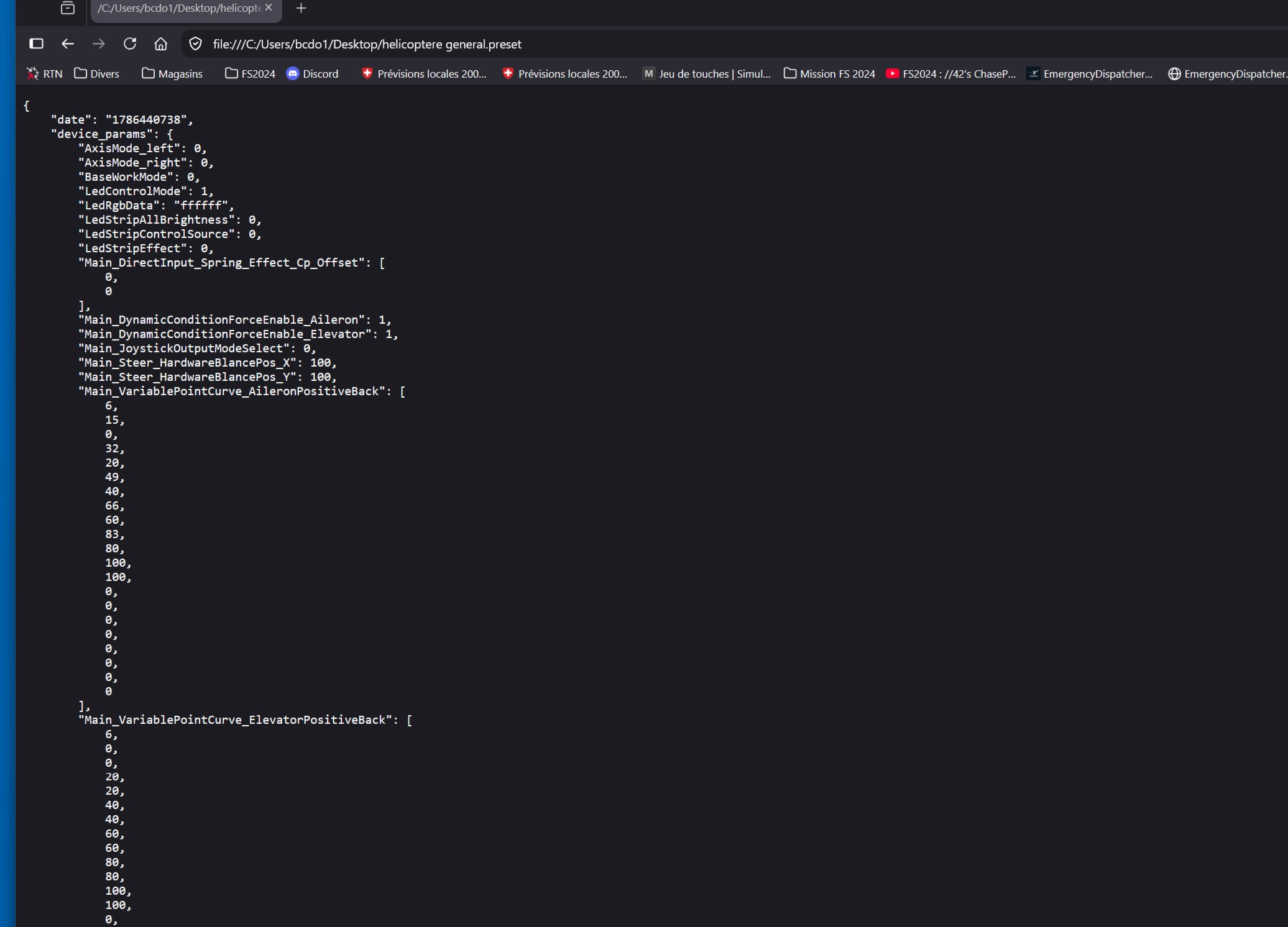
I get a long page of code, but I can’t find how to save it

प्रतिवेदन
#9

I was able to convert a generic .preset file for the AY210 for GA aircraft for MSFS. However, when I attempted to convert a DA50RG profile that I have created for X-Plane I got the notice that the preset converter currently only works for MSFS 2020 and 2024.

Since most of my flying (and thus profiles) are for X-Plane, I'll wait for the next evolution of the utility before conducting more tests.

प्रतिवेदन
#12
इसके जवाब में Ben79की पोस्ट

Hey, not sure what that screenshot is - it seems to be a local Moza preset that you opened in your browser?

Here's a video on how to use the Moza Preset Converter

YouTube वीडियो

यह पूर्वावलोकन FFB-Bridge द्वारा प्रस्तुत किया गया है। प्लेयर लोड करने पर आपका ब्राउज़र YouTube/Google से कनेक्ट हो जाता है।

YouTube पर खोलें

Let me know if you still have trouble

प्रतिवेदन
#13

Thank you. I understood my mistake, I placed the Moza profile in the window instead of clicking in the window and selecting the profile.

मददगार 1प्रतिवेदन
#15
इसके जवाब में Ben79की पोस्ट

Also, this wasn't really your "mistake". The site implicitly seems to suggest you can drag a file into it, but then it doesn't work the way you expect. It only worked if you drag it exactly on the box..

This is bad UX, not a user's fault, and so I've just fixed it. Now if you drag a file anywhere into the browser window, it should work as you expect - it will recognize the file, ingest it and so forth. Try it out and see?

Thanks for pointing this out.

मददगार 1प्रतिवेदन